
The whole weekend, in an album only you will see.
A bachelorette or bachelor weekend is three days, four places and a hundred moments nobody will retell at the wedding. WeWere is the group’s shared disposable camera: one private album, nothing to install, and nothing lands on Instagram unless one of you decides it does.
Only the host needs the app, on iPhone. Your guests have nothing to install.
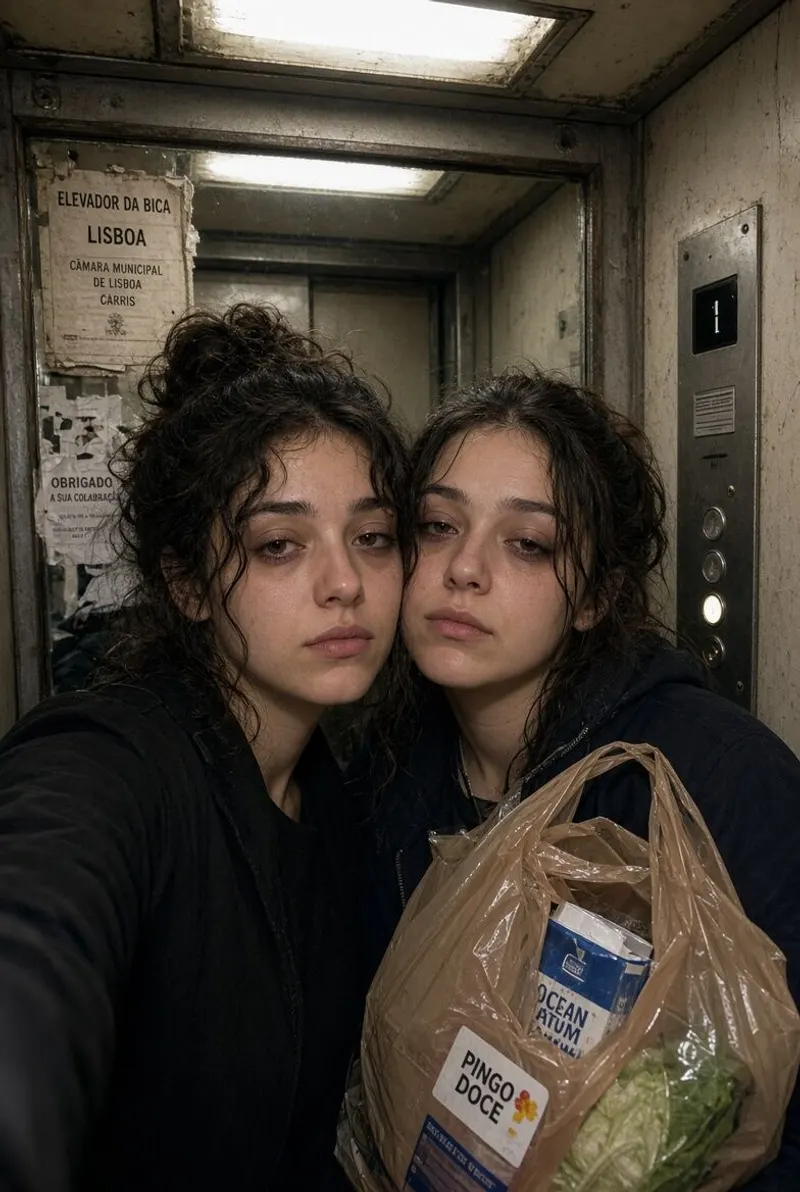
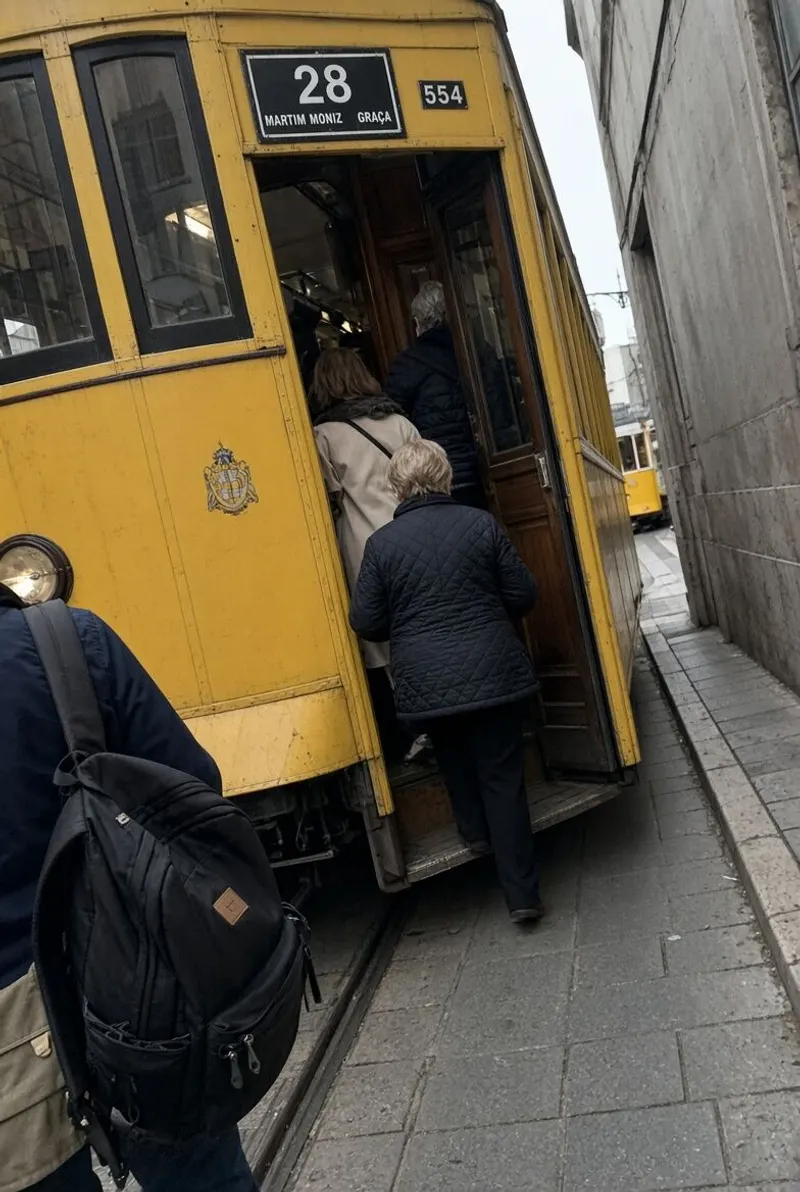
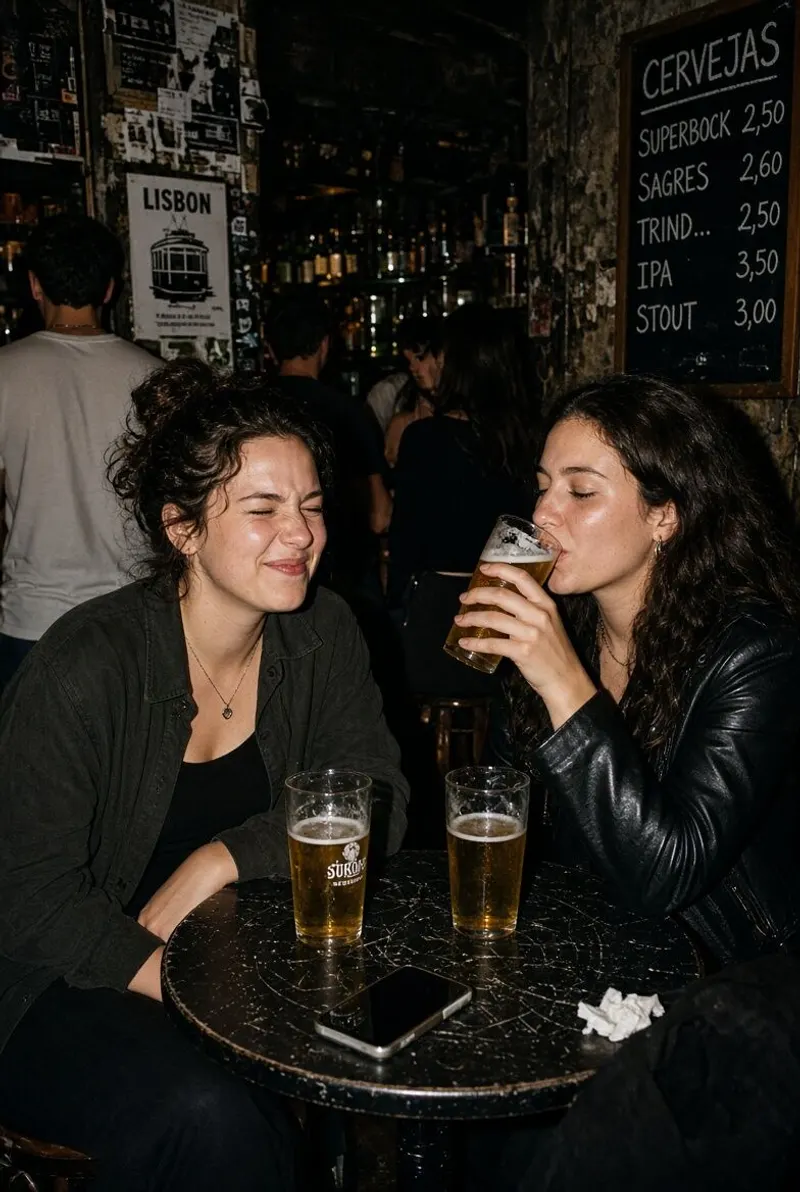
Private. Really private.
The album is visible to the members of the event and to nobody else. There is no public page, no link that gets discovered, and WeWere publishes nothing anywhere. Each of you downloads your own photos, at full resolution, for free.
The host can delete any photo that has no business being there, and anyone can flag one. Photos are hosted in the EU, there are no ads and no data is sold. Deleted files are wiped within thirty days.
Nothing to install, even for the friend who lands late
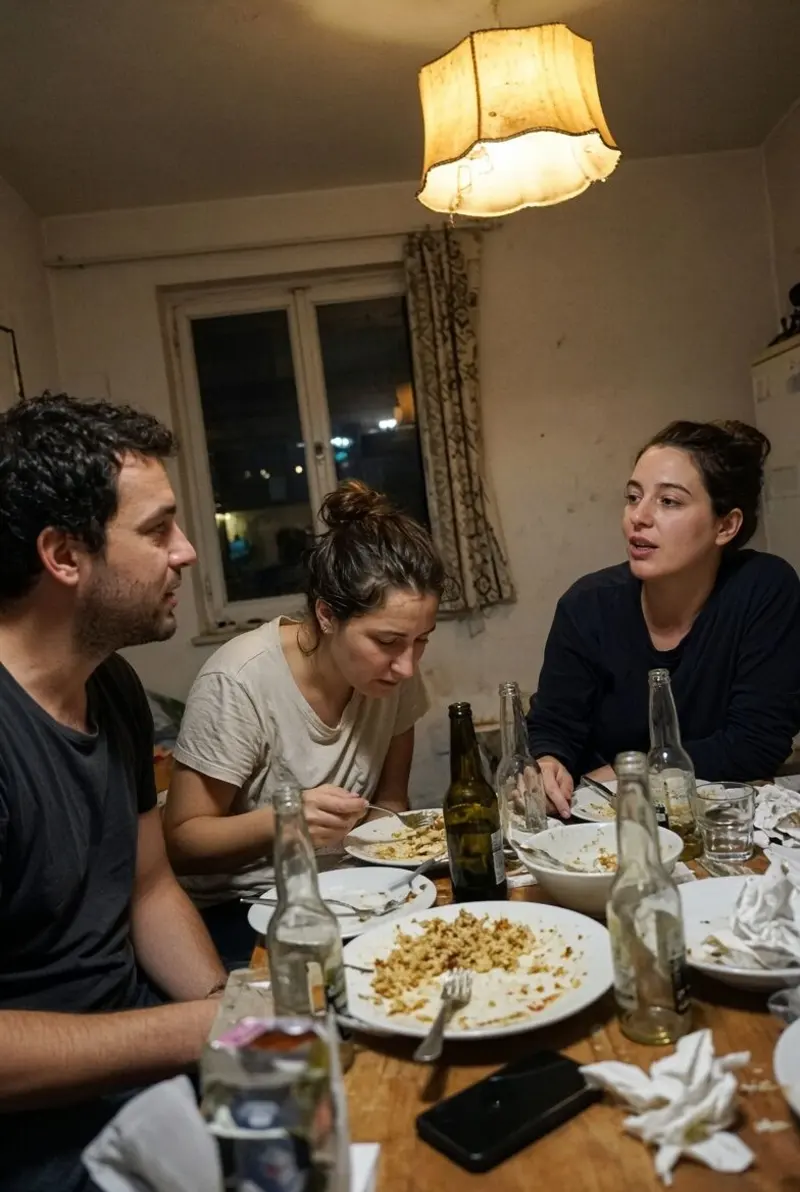
The link goes in the group chat. Everyone taps it, signs in with the Apple or Google account they already have, and the camera opens in the browser. iPhone or Android, it makes no difference. Only the person who creates the event needs the WeWere app, on iPhone. Nobody else has to find an app store at the airport.
There’s no limit per person: the whole group shoots into one shared photo count, picked by the host. The album fills up as they shoot, or stays hidden until a time you pick if you’d rather do a reveal at Sunday brunch.
A bachelorette disposable camera for the whole weekend, not one night
One event covers the entire weekend. Create it once; it works on the Friday train, at the Saturday dinner and around the Sunday pool. You don’t make a new event when you change venues, and you don’t start over when the night ends. The link stays the same from the first photo to the last.
That’s the difference from ten disposable cameras split across the group: here there is one roll, one album, and the photos from the bar and the photos from the boat end up side by side.
35mm or 90s film, for the "we’ll never show anyone" mood
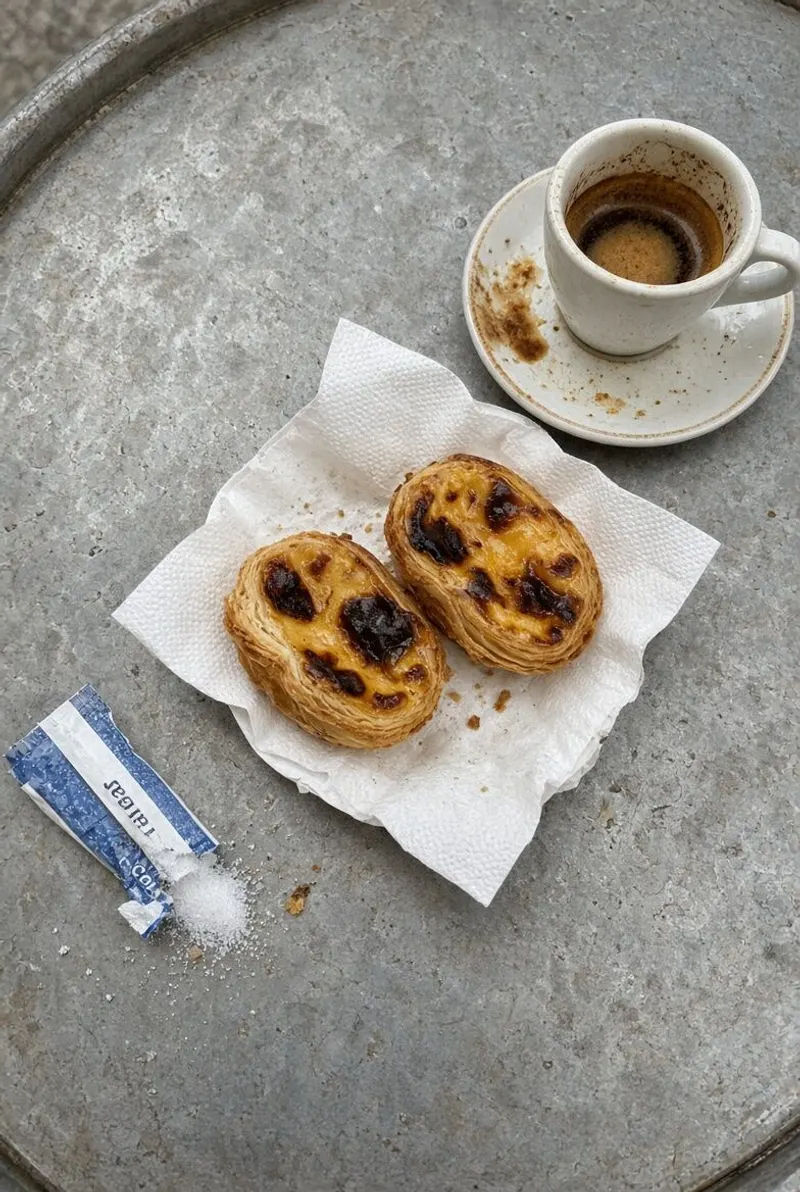
In the app, the host picks the film stock for the event. 35mm gives you the grain and the slightly washed-out colors of a real disposable. 90s gives you the look of the camera your parents took on vacation. With the orange date stamp in the corner, either one turns a phone photo into something that looks like it came out of a shoebox.
The other three stocks — Original, Black & White, Polaroid — are there too. Pick one; every photo taken in the app gets it.
The Wrapped, the group’s trophy
The morning after, the app produces the Wrapped: how many photos were taken, who shot the most, the highlights of the weekend. It’s a card the organizer drops in the group chat on the way home. Then the recap film, cut automatically in the app.
Everyone has 45 days to download what they want. If you’d like the album around for the wedding, Keep one year keeps it online for a year instead: $2.99 when you add it at creation on a paid tier, or $5.99 later.
How to set it up
- Two weeks before — create the event in the app: pick the number of photos for the weekend (300 is comfortable for a group of twelve), the film stock, live or reveal. Name it something the bride or groom won’t see coming.
- Departure day — drop the link in the group chat before the train leaves. The first photos are usually of the platform.
- During — say it out loud once at the first dinner, when everyone has their phone in hand. After that it runs itself.
- After — share the Wrapped. Leave the album open — photos keep arriving for a couple of days.
A group of twelve, one payment
Guests are unlimited on every tier: you pay for a total number of photos, not per person. Free up to 40 photos, $2.99 for 150, $4.99 for 300, which suits a full weekend. No subscription, and if the album fills up, the host adds photos from the app in a few taps, even on Saturday night. See pricing. For the wedding itself, there’s a dedicated page.
Go further
Frequently asked questions
Can the event run all weekend, across several places?
Yes. One event from Friday to Sunday, however many places you go: the link and the QR code stay the same. The album stays online for 45 days afterward.
What about cellular data abroad?
Guests need a connection, 4G or Wi-Fi, to upload their photos. A photo taken without signal is saved and sends itself as soon as the connection is back — just keep the page open. Abroad, the hotel or rental Wi-Fi is enough — share the password in the group chat so nobody hesitates.
What if someone posts a photo on Instagram?
WeWere publishes nothing. But every member of the event can download the photos, and nothing stops a screenshot. The real protection is the rule you set for the group before you leave.
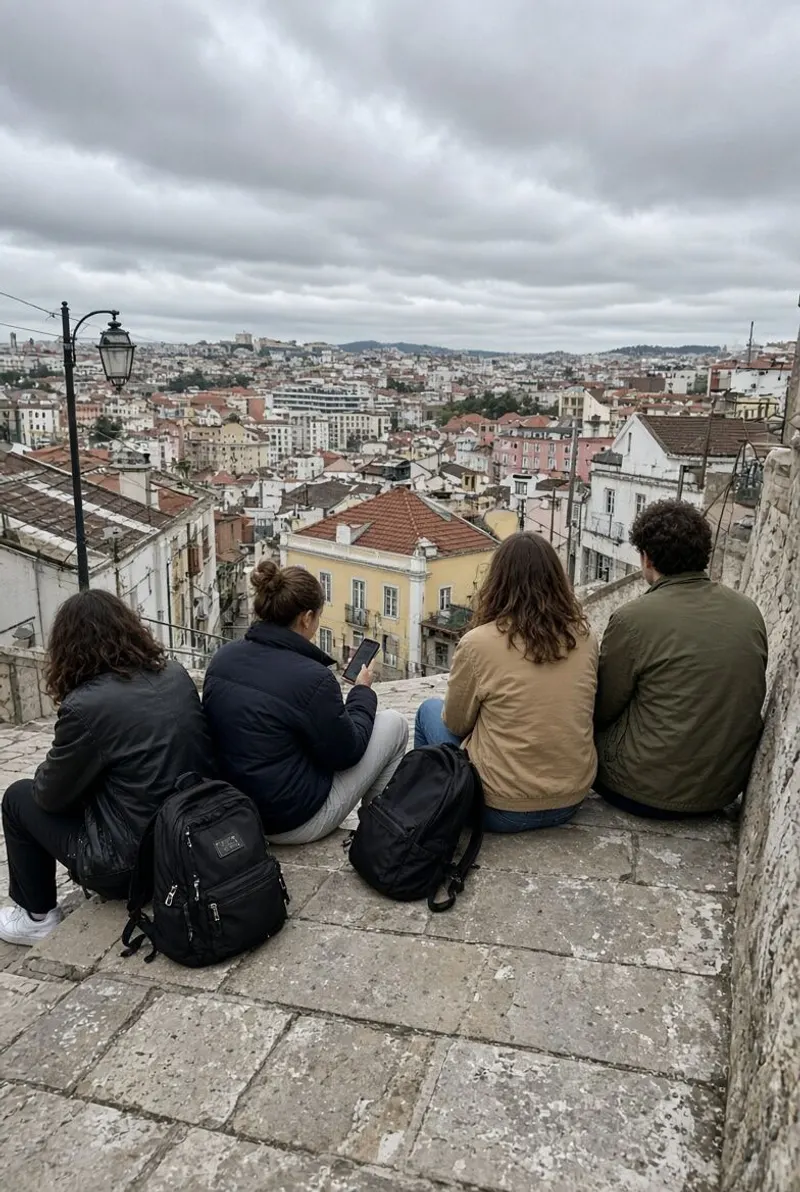
Create the weekend’s event.
Download WeWere, create the event, drop the link in the group chat. The weekend does the rest.
Download on theApp StoreUnlimited guests. Free up to 40 photos