
Planning a bachelorette: the photo checklist.
The organizer handles the venue, the budget, the surprise. The photos get dealt with on Monday — and on Monday they’re on eight phones and in two group chats. This bachelorette photo checklist settles it before you leave. It works for a bachelor weekend too.
Only the host needs the app, on iPhone. Your guests have nothing to install.



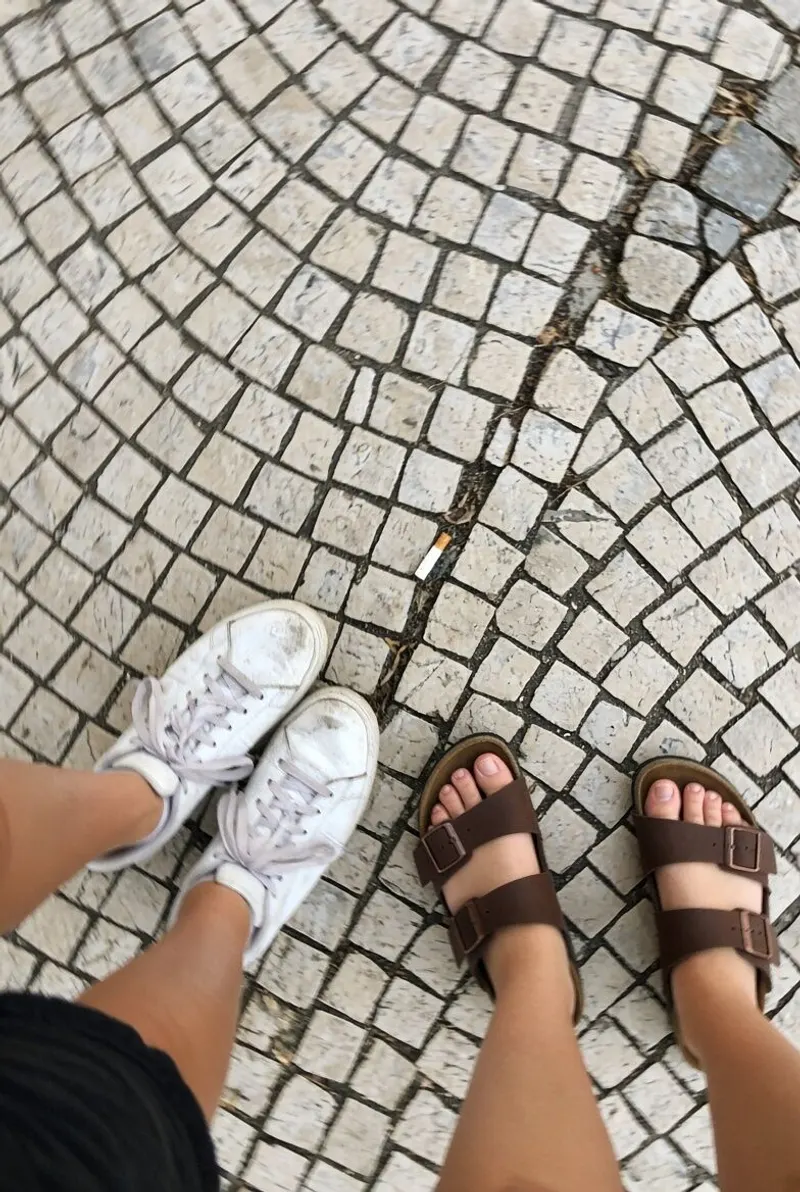
Why bachelorette photos are a special case
A bachelorette is the most photographed weekend of the year and the least shareable. The bride-to-be doesn’t want to end up on Instagram, someone in the group posts a story without thinking, and the only photos going around on Monday are the worst ones.
So there are two questions to settle before you leave, not after: where the photos go, and who sees them. Everything else in the checklist follows from those two answers.
The bachelorette photo checklist, phase by phase
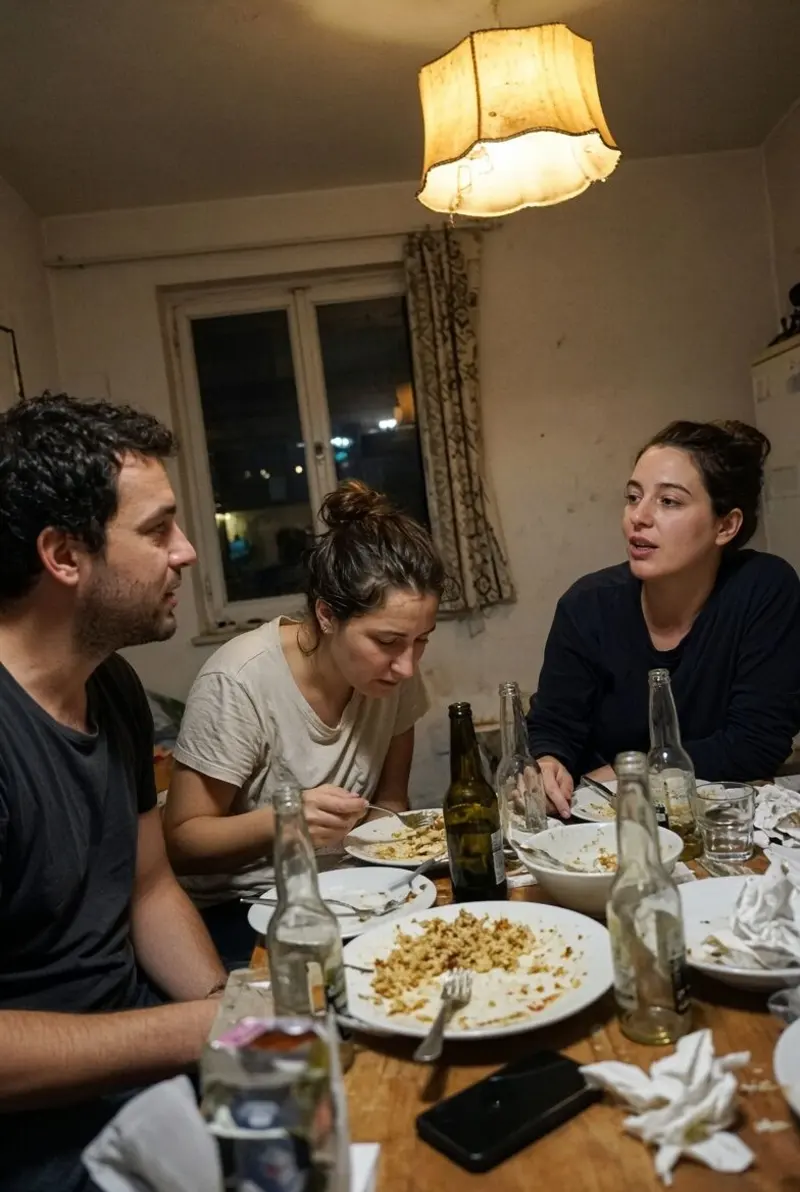
- A month out — pick the one place where the photos go: a shared folder, a cloud album or a WeWere event. Ask the bride-to-be what she’s fine with — photos yes, videos yes or no, social media no — and post the rule in the group chat. One sentence is enough.
- A week out — send the album link in the group chat and pin it. Check that everyone can get in, Android included. If you’re going abroad, figure out your connection: data plan, the Wi-Fi at the rental. List the five photos you don’t want to miss: the group shot, the reaction to the surprise, the before / after of the activity, each person with the bride-to-be, the toast.
- The night before — phones charged, one power bank for every two people. Assign one person per highlight: the arrival, the activity, the dinner, the night out. Test the album with two photos. Set the time for the group shot.
- The day of — the group shot at the agreed time, while everyone is still presentable. The before / after of the activity. One photo of each person with the bride-to-be. In the evening, look at the album together: that’s the moment everyone starts shooting again.
- After — sort the photos two days later: everyone picks their three favorites in the shared album and tells the person putting together the selection for the bride-to-be. Everyone downloads what they want to keep. What has to disappear disappears.
The group rules
Say them out loud once, before you leave. After that, nobody has to justify anything.
- Consent — ask the bride-to-be and every person in the group. Someone who doesn’t want to appear in certain photos says so on Friday, not Monday, and it’s respected, no questions asked.
- What stays private — by default, nothing leaves the album without the agreement of the person in the photo. A story is an exception you ask for, not a habit.
- Who keeps what — the organizer keeps the full album while the sorting happens. The bride-to-be gets the selection. Everyone saves their own photos before the shared album goes dark.
- The right to pull a photo — anyone can ask for a photo to be removed, at any time, without having to explain why.
With WeWere

WeWere is a shared disposable camera, built for exactly this kind of weekend. The organizer creates one event in the iPhone app for the whole three days, not one per night. The group scans the QR or opens the link, signs in with the Apple or Google account they already have, and the camera opens in the browser — iPhone or Android, nothing to install.
There’s no limit per person: the whole group shares one photo count, picked by the organizer. The photos land in one album visible only to the members of the event, live or held back until a reveal time you choose. The host can delete a photo or remove a guest at any time; the album goes dark after 45 days. In the app, the Black & White or 35mm film stock gives that "we’ll never show these to anyone" feel, and the Wrapped is the group’s trophy. Free up to 40 photos; for a full weekend, 300 photos is $4.99. See pricing and the bachelorette and bachelor party page.
Going further
The photo games designed for a wedding work just as well for a bachelorette — especially the ten-photo challenge. And for the birthday party that often follows, our birthday photo ideas.
Frequently asked questions
Three days, two cities: one album?
Yes. One album per weekend, not per night — that’s what keeps everything in one place. With WeWere, the organizer creates a single event and the link stays the same from Friday to Sunday.
What if someone posts a photo on social media anyway?
You ask them to take it down, and that’s why you set the rule before leaving. A private album prevents sharing by link, not a screenshot: the group rule is the real protection.
What about cellular data abroad?
You need a connection, 4G or Wi-Fi, to upload photos. A photo taken with no signal is saved and sends itself as soon as the connection is back — just keep the page open. Without a local data plan, get the rental’s Wi-Fi password or use a hotspot from someone who has data.
Do we have to install an app?
The group doesn’t: the QR opens the camera in the browser, with the Apple or Google account everyone already has. Only the organizer uses the iPhone app, to create the event.
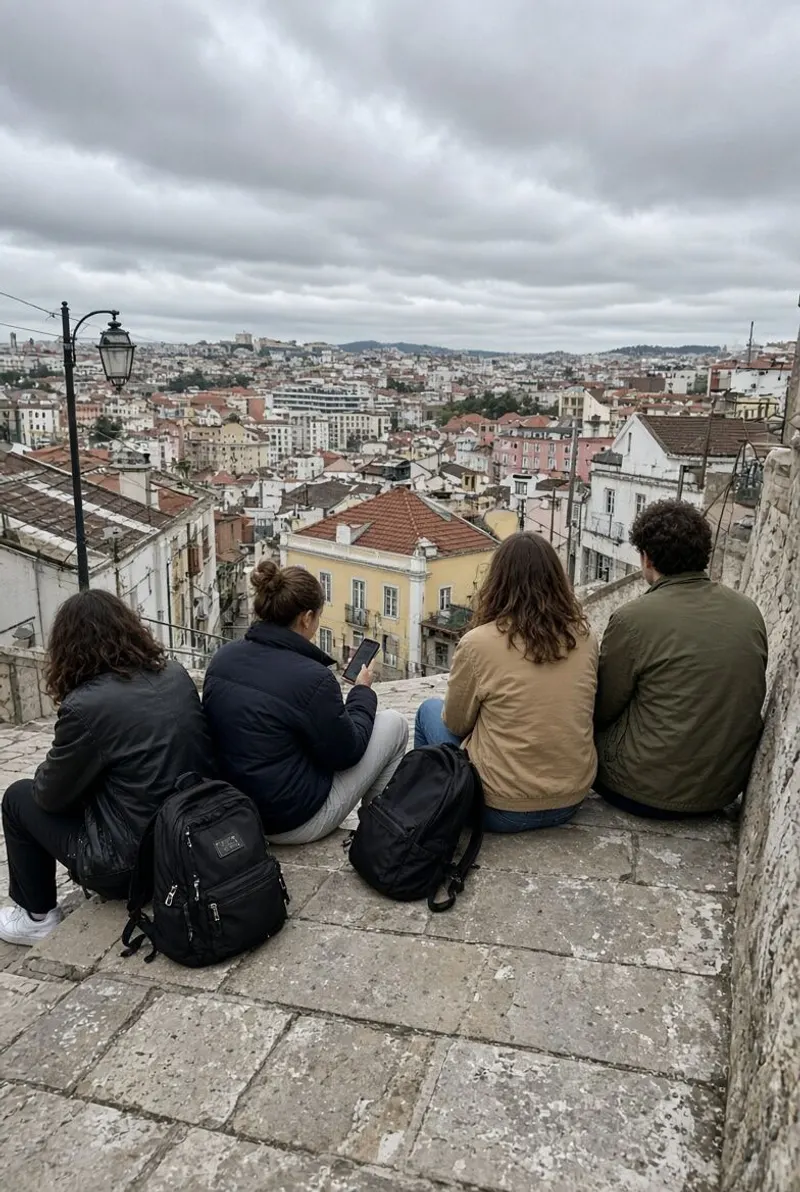
Create the bachelorette event.
Create it in the app before you leave, pin the link in the group chat. The weekend does the rest.
Download on theApp StoreUnlimited guests. Free up to 40 photos