
10 ideas so birthday photos don’t end up on ten different phones.
A photo corner by the bar, a group shot at a set time, a photo challenge: birthday photo ideas to plan before the party. Each one works with any phone, with or without WeWere.
Only the host needs the app, on iPhone. Your guests have nothing to install.

Why birthday photos disappear
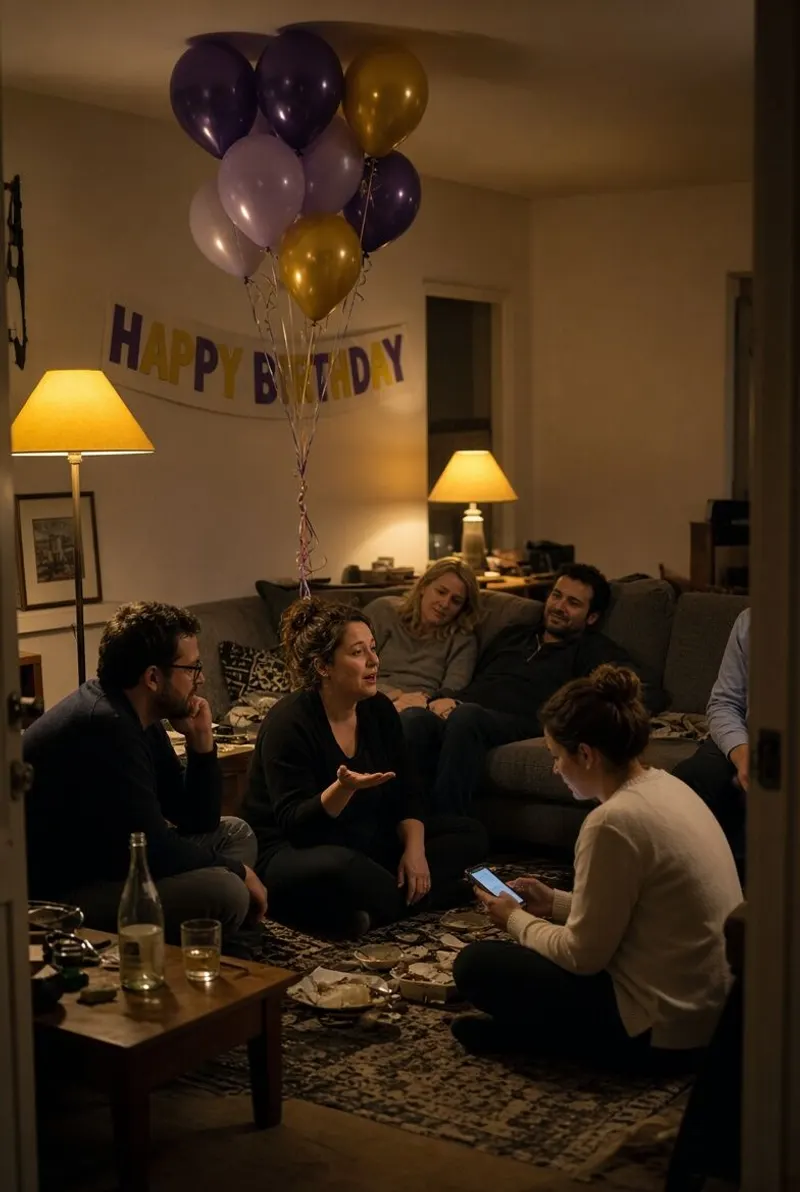
Everyone took photos. Nobody collected them. The group chat compresses a few, and the birthday album never exists.
The fix fits in one sentence: decide before the party where the photos go, and tell everyone once. The ten ideas below do exactly that — they give people a reason to shoot, and a place where the photos land.
The 10 birthday photo ideas
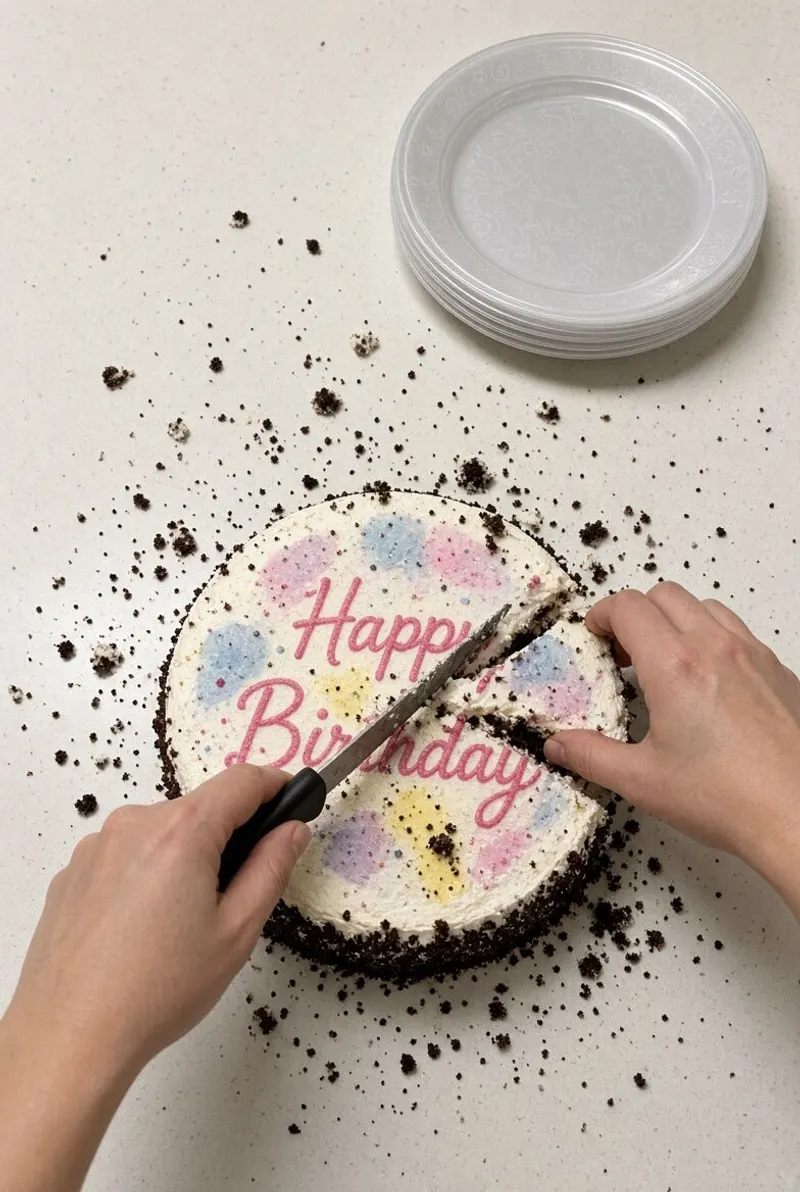
- The photo corner — a wall, a string of lights, two props. One spot where people go to get their picture taken, next to the bar rather than in the hallway.
- The group shot at a set time — announce a time — 9:30, right before the cake — and stick to it. Everyone knows, nobody leaves before then. One photo with every face is worth a hundred photos of people’s backs.
- One film stock for the night — pick a look before the party: everything in black and white, everything Polaroid-style, everything 90s. The album has the consistency of a real roll of film. In the WeWere app, the host picks the film stock for the event, and every photo taken in the app gets it.
- The shared album — one place, decided beforehand, sent once. A shared folder, a cloud album or a WeWere event: what matters is that the link goes out before the party, not the morning after.
- The challenge — a list of ten photos to find: the birthday person laughing, the ugliest dish, the guest who traveled farthest, the most deliberately blurry shot. A challenge gives people a reason to take their phone out. Our photo game ideas adapt well to a birthday.
- The Polaroid — a real instant camera on the table, a string and some clothespins to hang the prints. Each shot costs money, so people think before they shoot. The birthday person takes the string home.
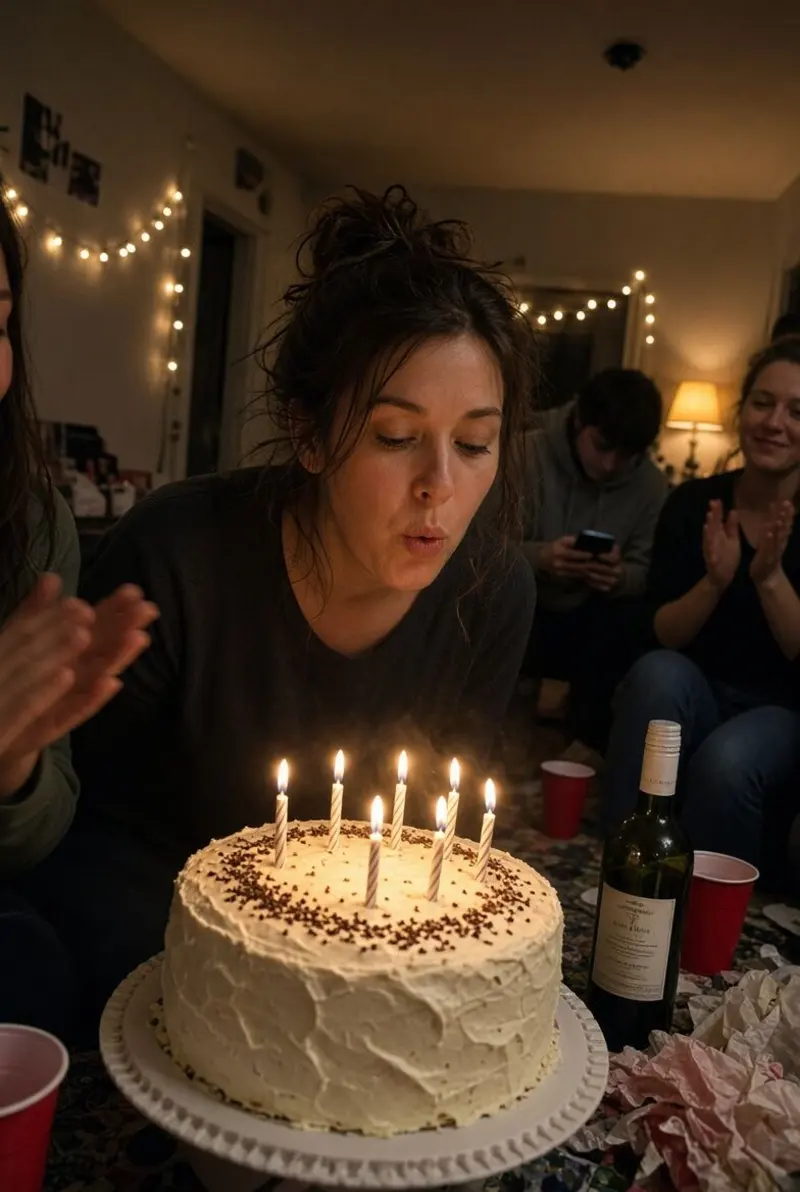
- Before the candles / after — two photos, same frame, same group: one right before blowing them out, one right after. That’s the one you’ll look at in ten years.
- The photographer of the hour — instead of counting on everyone, assign one person per hour. From 9 to 10 it’s Lea. Then Sam. Nobody shoots all night, everybody shoots a little.
- The table photo — at dessert, each table takes its own picture with someone else’s phone. Two minutes, and nobody is missing from the album.
- The next-day sort — at brunch or in the group chat, everyone posts their three favorites. Not the whole camera roll, the three. That sorting is what turns a pile of photos into an album people actually look at.
What doesn’t work
The "send me your photos" message three days later: you’ll get five replies out of twenty. The group chat as an album: photos are compressed and impossible to find after a week. An app to install during the party: you lose half the room before the first photo.
With WeWere
WeWere is a shared disposable camera. The host creates the event in the iPhone app before the party and gets a QR code to set next to the cake. Guests scan it, sign in with the Apple or Google account they already have, and the camera opens in their browser. Nothing to install, on iPhone or Android.
Guests are unlimited, and everyone shoots into one shared photo count picked by the host. The photos land in one album, live, visible only to the members of the event. The album stays online for 45 days and downloading is free, at full resolution. 40 photos are free to try it; for a birthday of 25 to 30 guests, the 300-photo tier, with the live wall on the living-room TV, is $4.99. See pricing, or the birthday page.
And for a bigger party
The same ideas work for 60 or 100 people, with two adjustments: the photo corner becomes essential, and the live wall replaces the next-day sort — people see themselves on screen and shoot again. See the party page and the guide on projecting photos on a screen.
Frequently asked questions
How many photos per person should I plan for?
A classic disposable gives you 27 for a whole table. With WeWere there’s no limit per person: the host picks a total for the event, and as a guide you count 5 to 8 photos per guest. For a 20-person birthday, that’s 100 to 160 photos: the 150-photo tier is about right, and the 300-photo tier gives you room, plus the live wall.
What about a child’s birthday?
The parents are the photographers. One album sent to all the parents saves fifteen messages the next day. Put the QR or the link directly on the invitation.
Do guests have to install an app?
No. They scan the QR, sign in with the Apple or Google account they already have, and the camera opens in the browser. Only the host uses the iPhone app, to create the event.
How do I show the photos on the living-room TV?
From the app, the host turns on the live wall and opens its link on a laptop plugged into the TV. Photos roll in as they arrive. The live wall is included from the 300-photo tier up.

Create the birthday event.
Create the event in the app before the party, set the QR next to the cake. Your guests do the rest.
Download on theApp StoreUnlimited guests. Free up to 40 photos