For clubs, agencies, companies and venues
Custom
Priced on request
One point of contact, a demo on your screen, your first event set up with you.

WeWere Pro
One QR code, and every photo from the night ends up in the same place: live on your screens, then in a private album. Nothing to install.
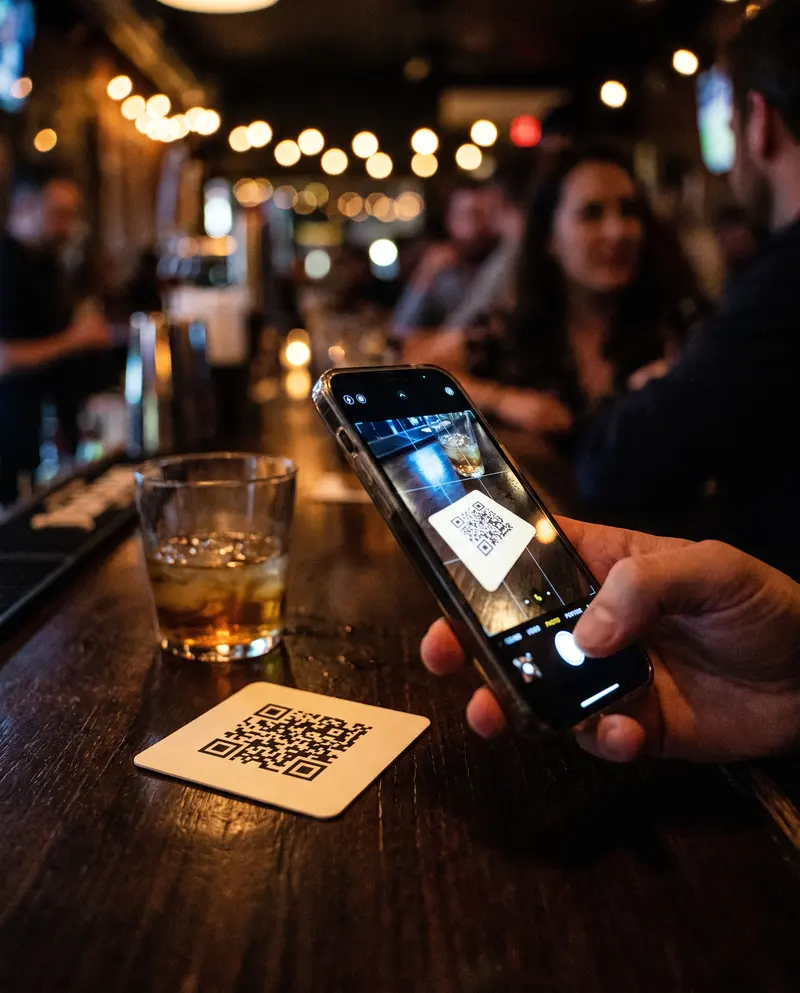
At the bar, at the door, on every table. It takes a minute to create in the app.

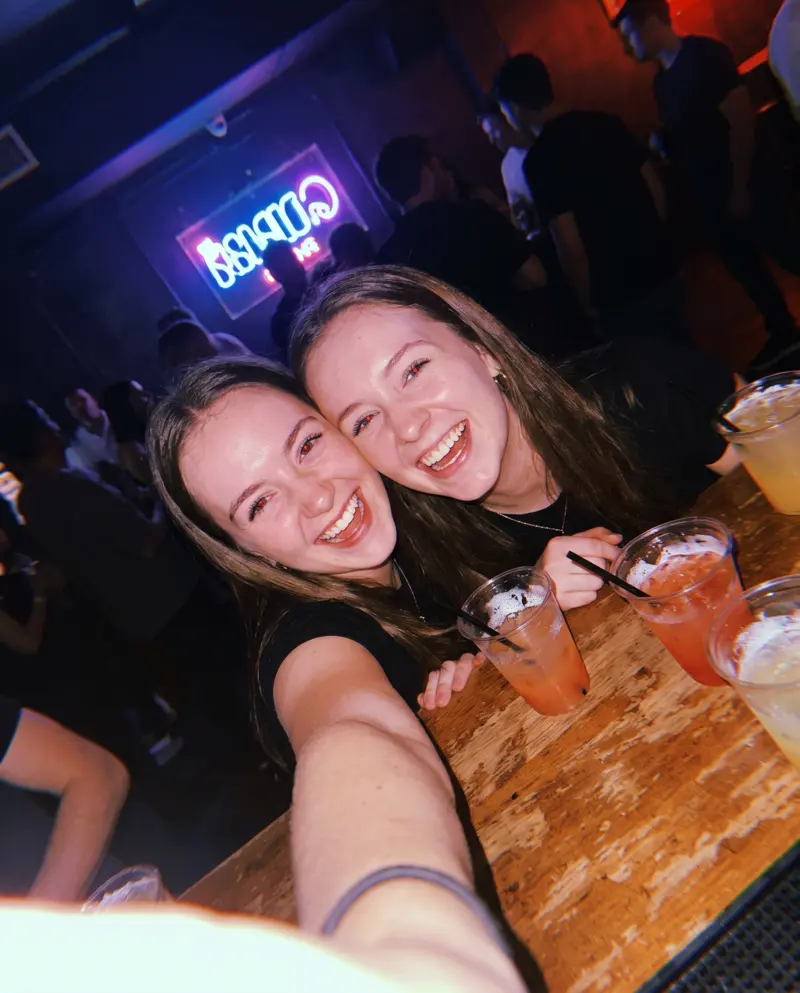
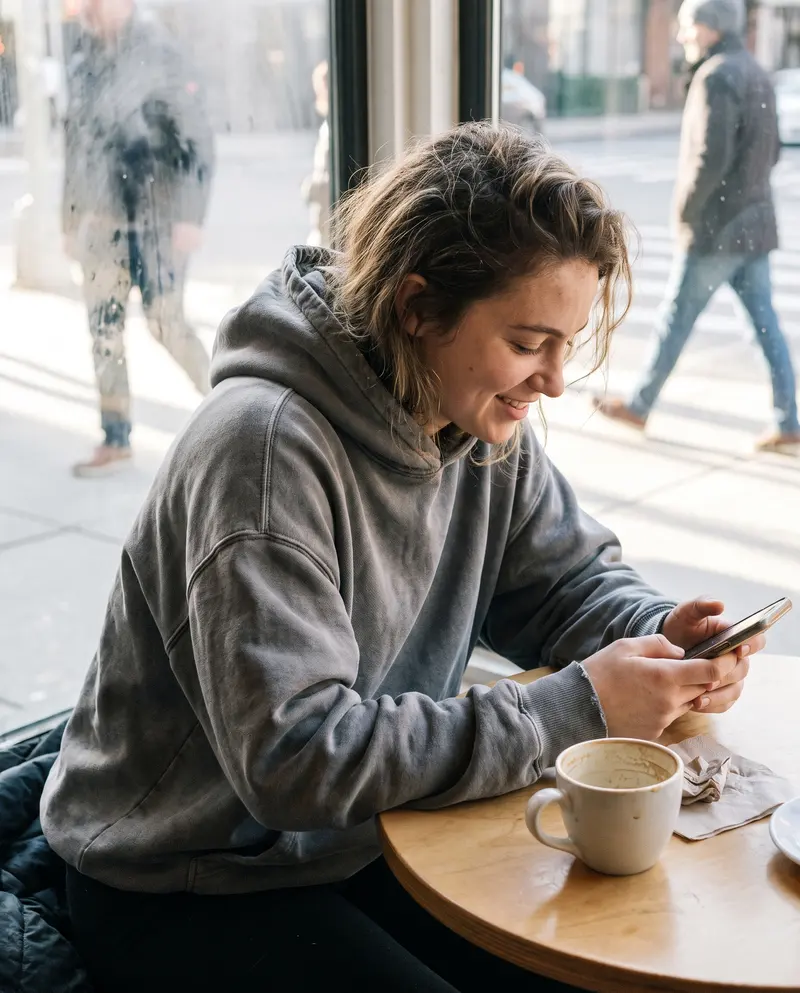
From the browser, with their Apple or Google account. No app, unlimited guests.
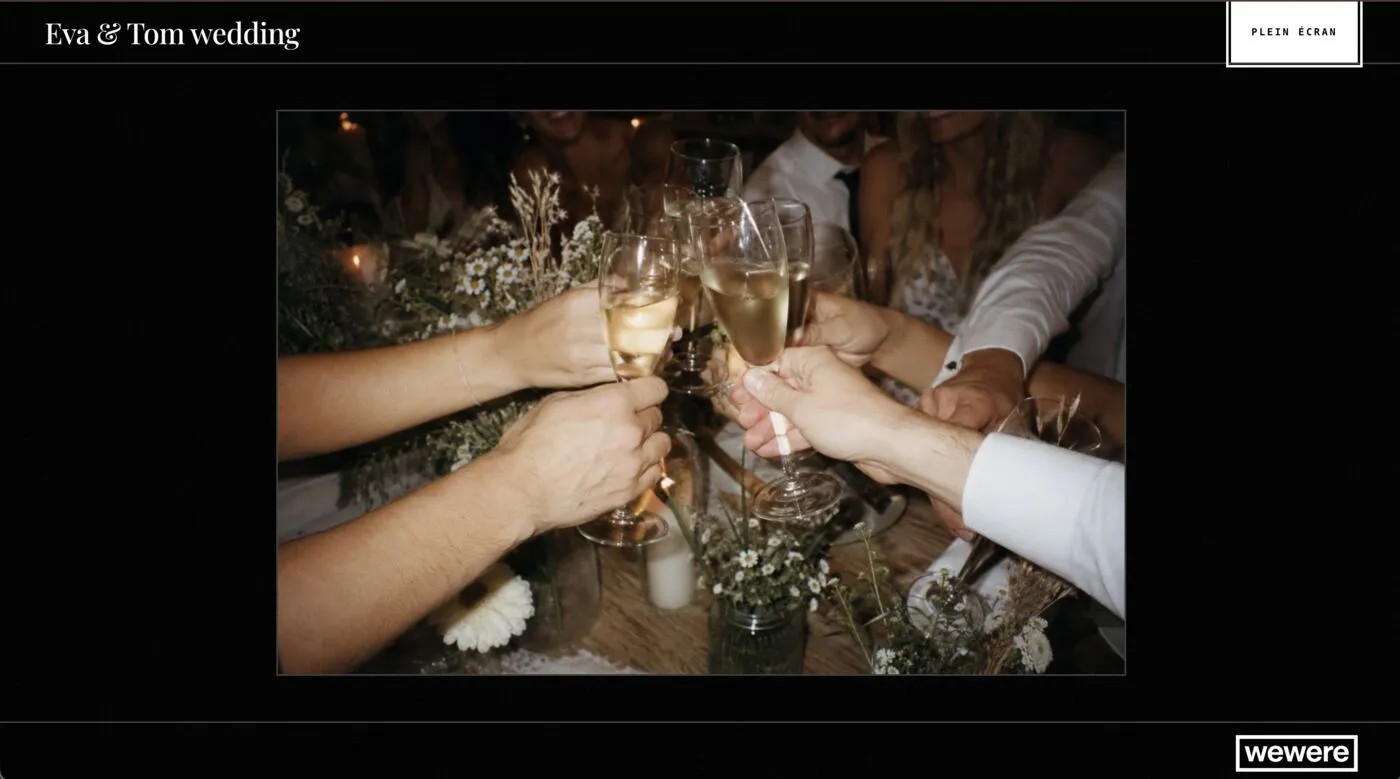
Live on your screens, then in a private album everyone downloads.
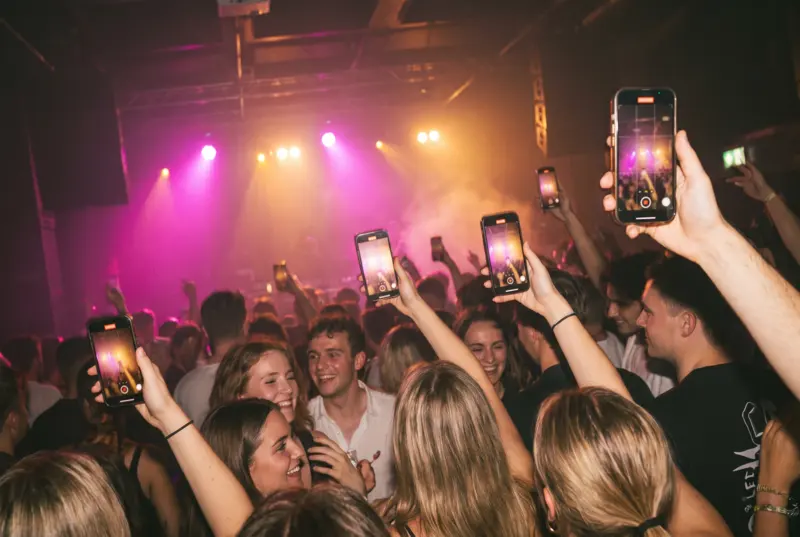
The live wall opens on any TV or any computer, with a link or a code. No booth to rent, no technician.

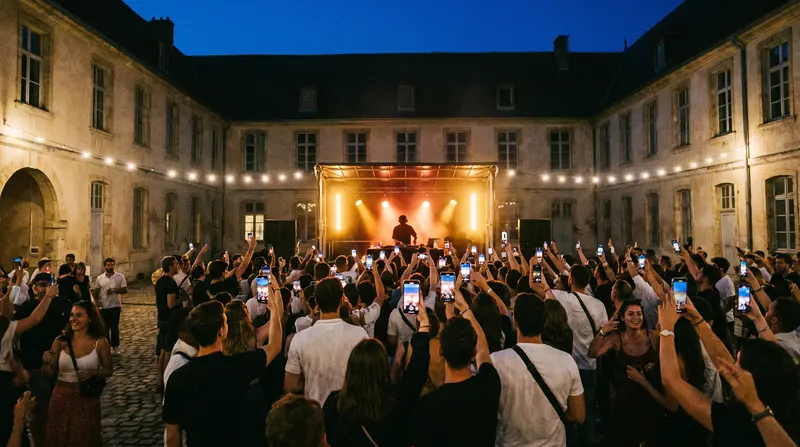
Every weekend, the dance floor’s photos on your screens.

Launches, offsites, client parties: every photo, no equipment.
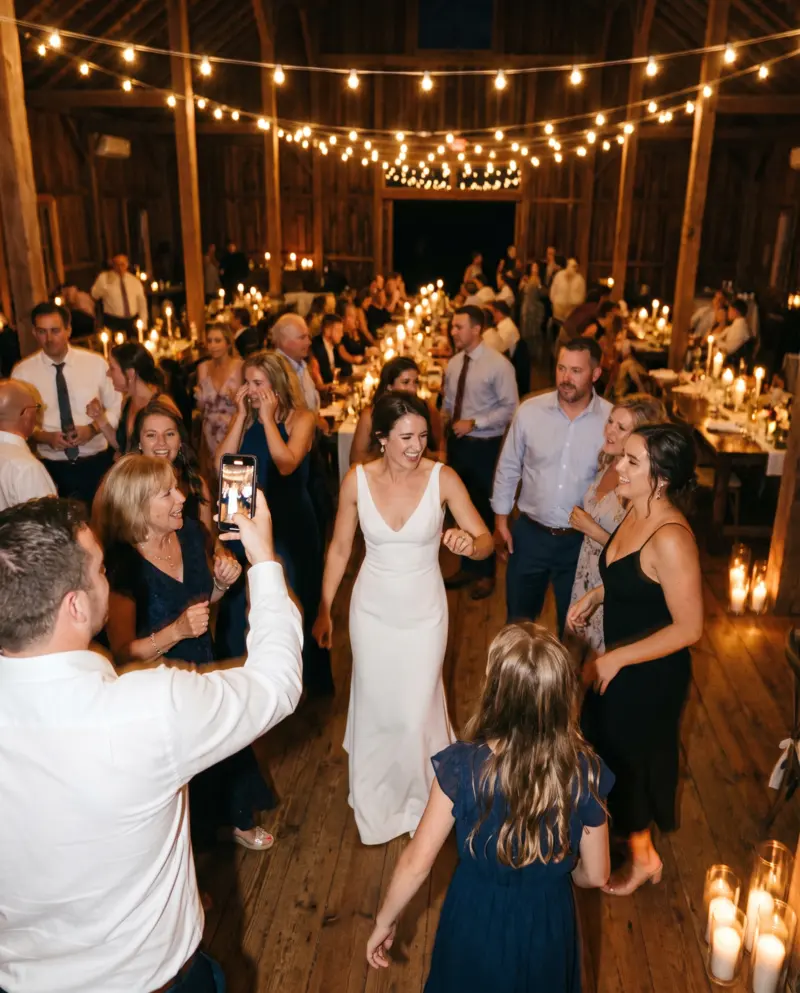
One more service for your couples, at the price you set.
For clubs, agencies, companies and venues
Priced on request
One point of contact, a demo on your screen, your first event set up with you.
For a bar, a nonprofit, a freelancer
App pricing
You create your events yourself in the app, with the same tiers. Coming soon: pay with your VAT number and get an invoice.
No. They scan the QR code, sign in with the Apple or Google account they already have, and take photos from the browser, on iPhone and Android alike. Only the host has the app.
No: any TV or any computer with a browser. It takes an event on the 300-photo tier or above, set to show photos instantly (not reveal mode), and a connection (the venue’s Wi-Fi, for example).
Custom: a quote based on the number of events and venues. Self-serve: the app’s tiers, one payment per event. Unlimited guests either way.
Not without telling your guests. WeWere doesn’t transfer any rights to the photos to you. To repost them, announce it before the event and get your guests’ consent.
A QR code you can reuse from one night to the next, approving photos before they reach the wall, your logo on the wall, an account for several events, one-click export of the whole album. Does one of these matter to you? Let us know.
A demo on your screen, with your team.
Request a demokostamouras@gmail.com
Or create your events yourself, in the app