
Your wedding’s disposable camera, in every guest’s pocket.
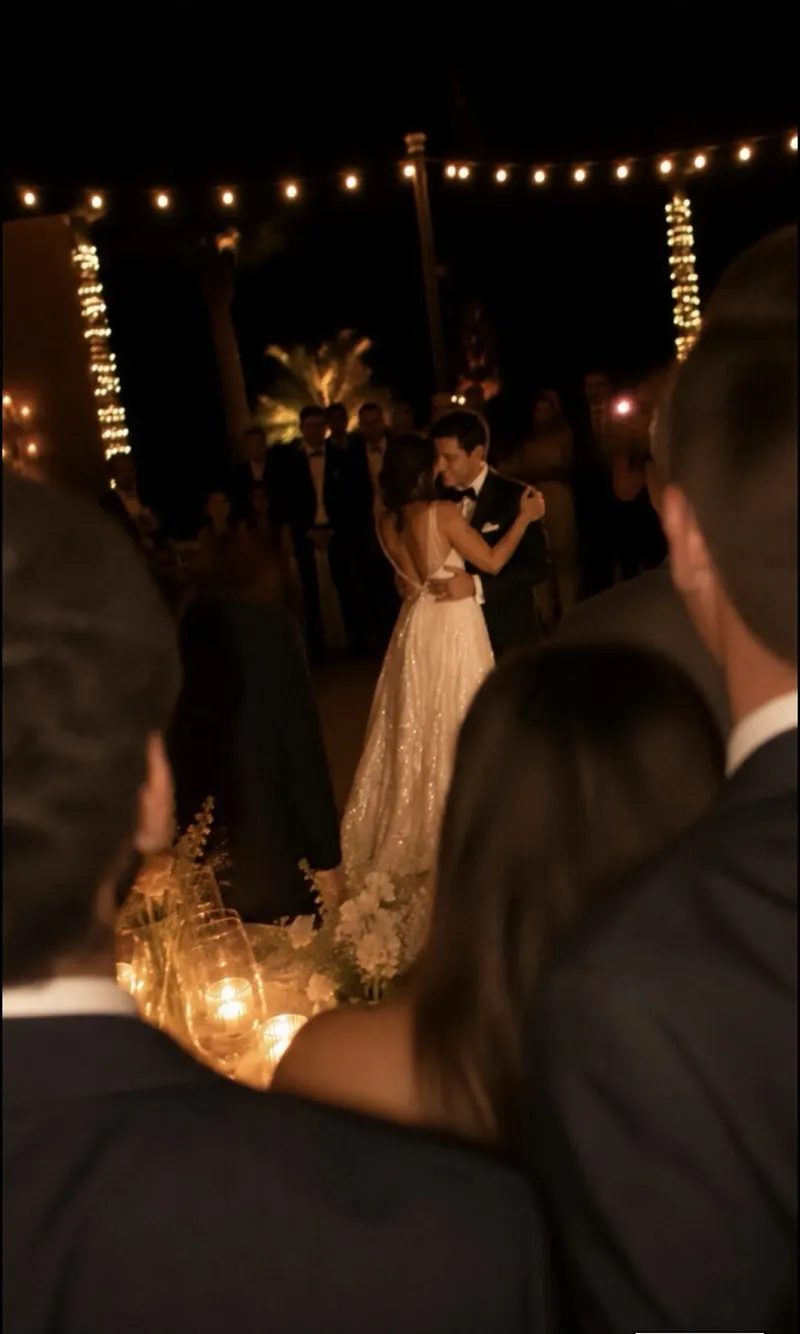
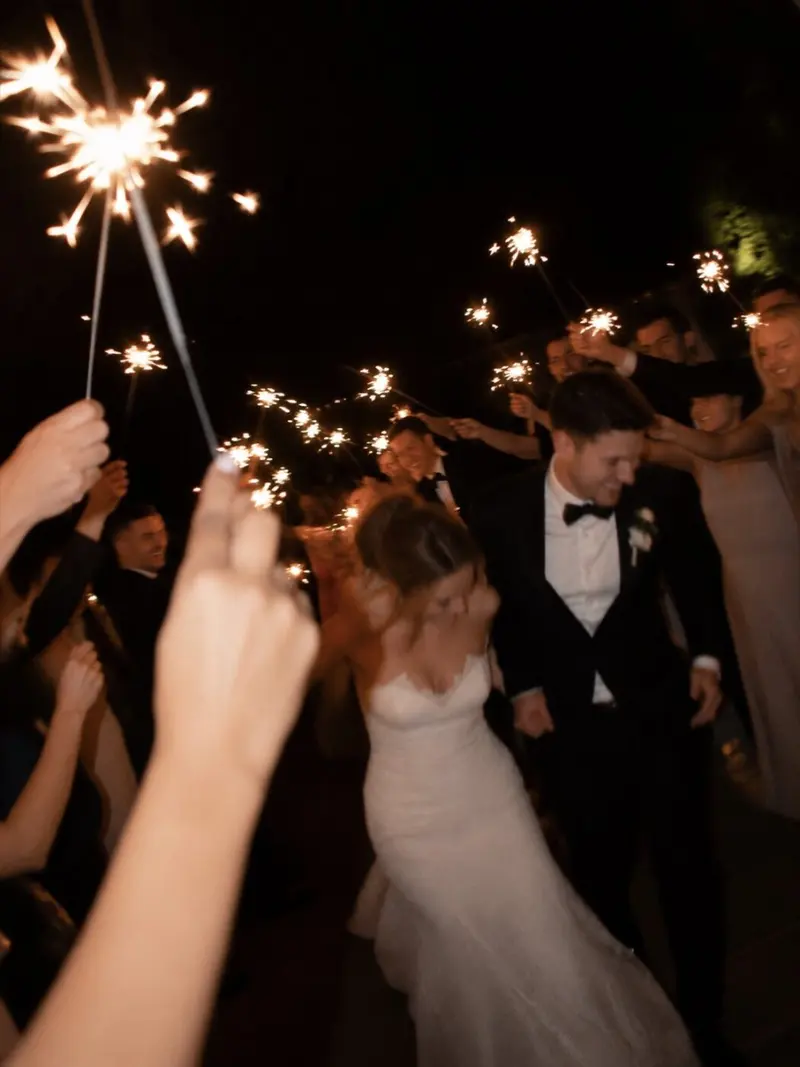
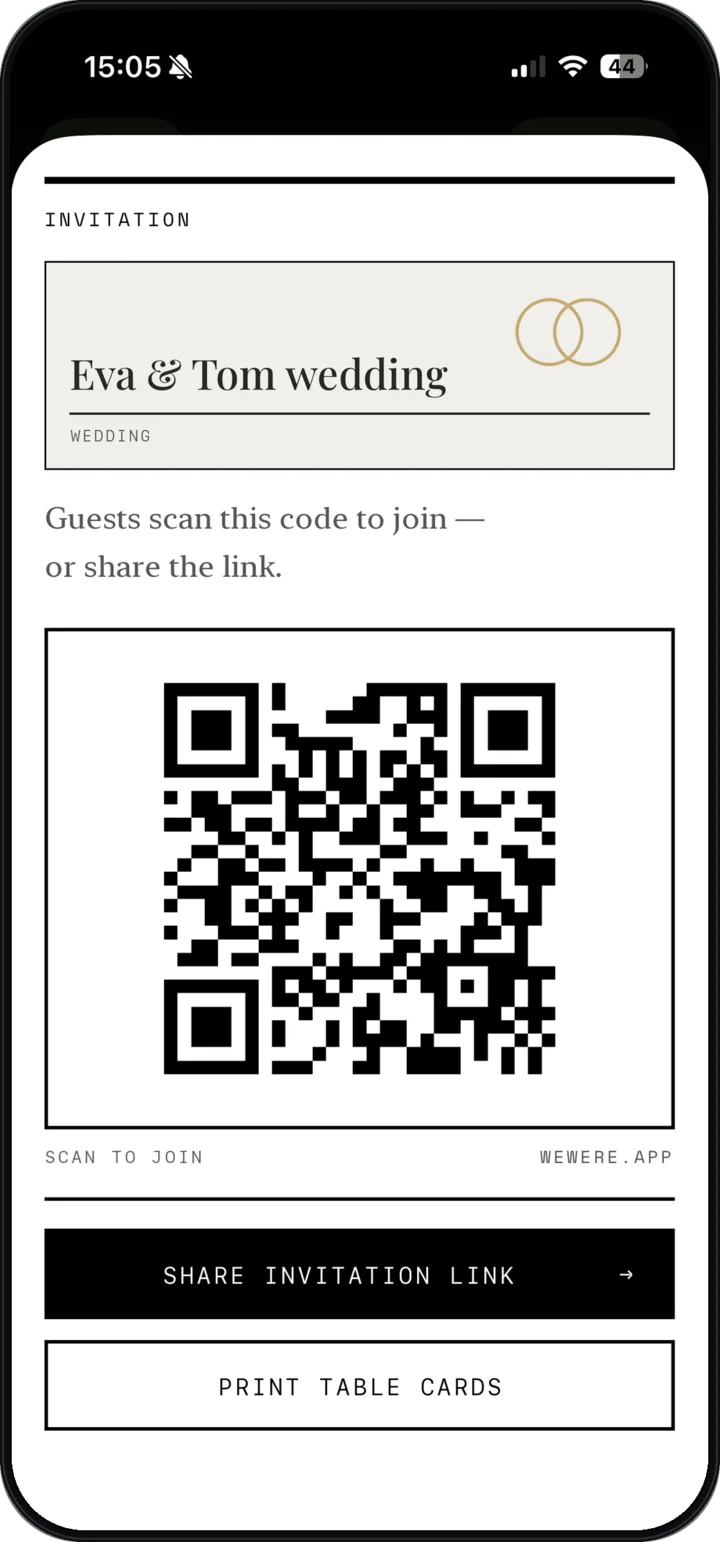
The photographer can’t be at the bar, the kids’ table and the dance floor at 2 a.m. all at once. Your guests can. One QR code per table, and they take over — without installing anything.
Only the host needs the app, on iPhone. Your guests have nothing to install.
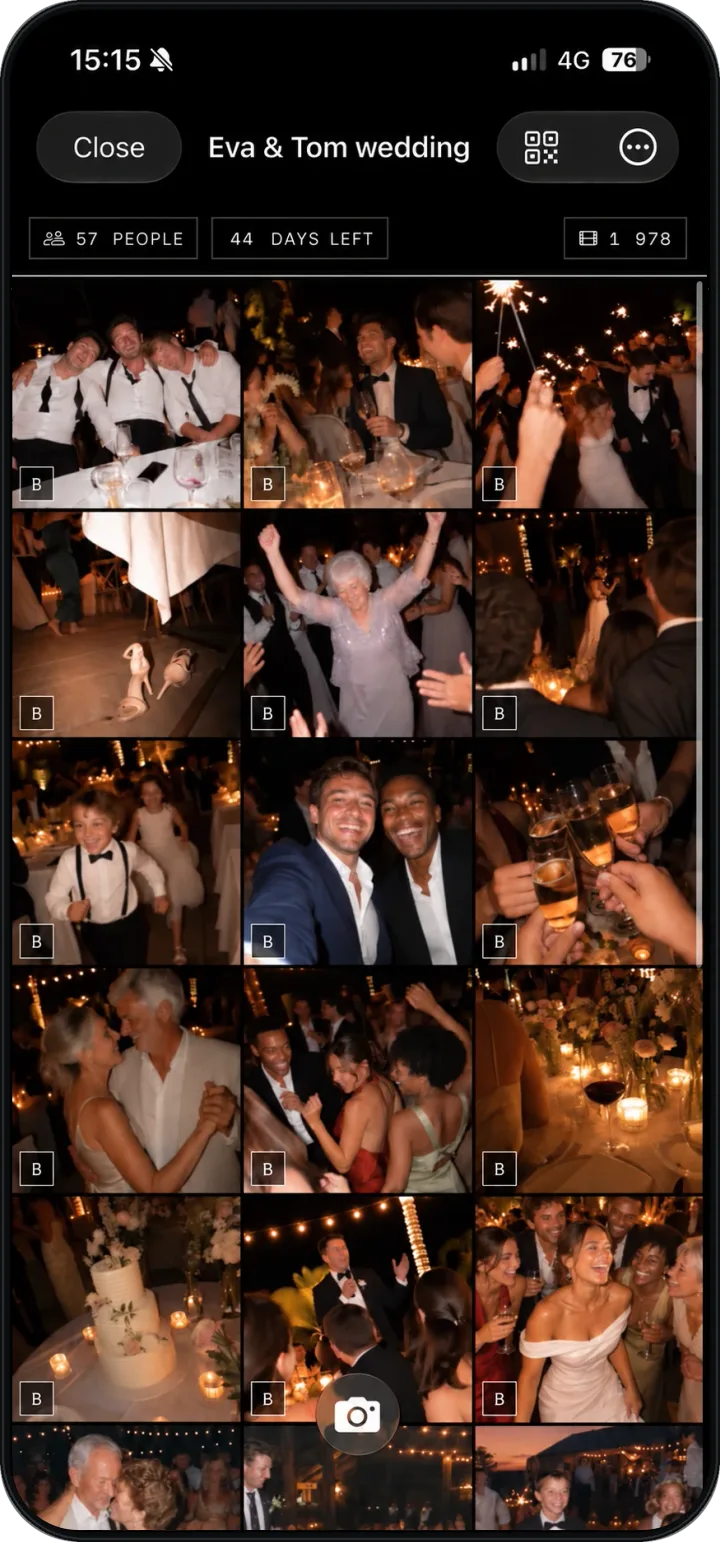
Why disposables on the tables stopped working
You know how it goes: ten disposable cameras, one per table, and three weeks later, 270 photos, half of them black, blurry or shot by a six-year-old who used up the roll on the tablecloth. The good ones you’ll never see, because developing costs $15 each.
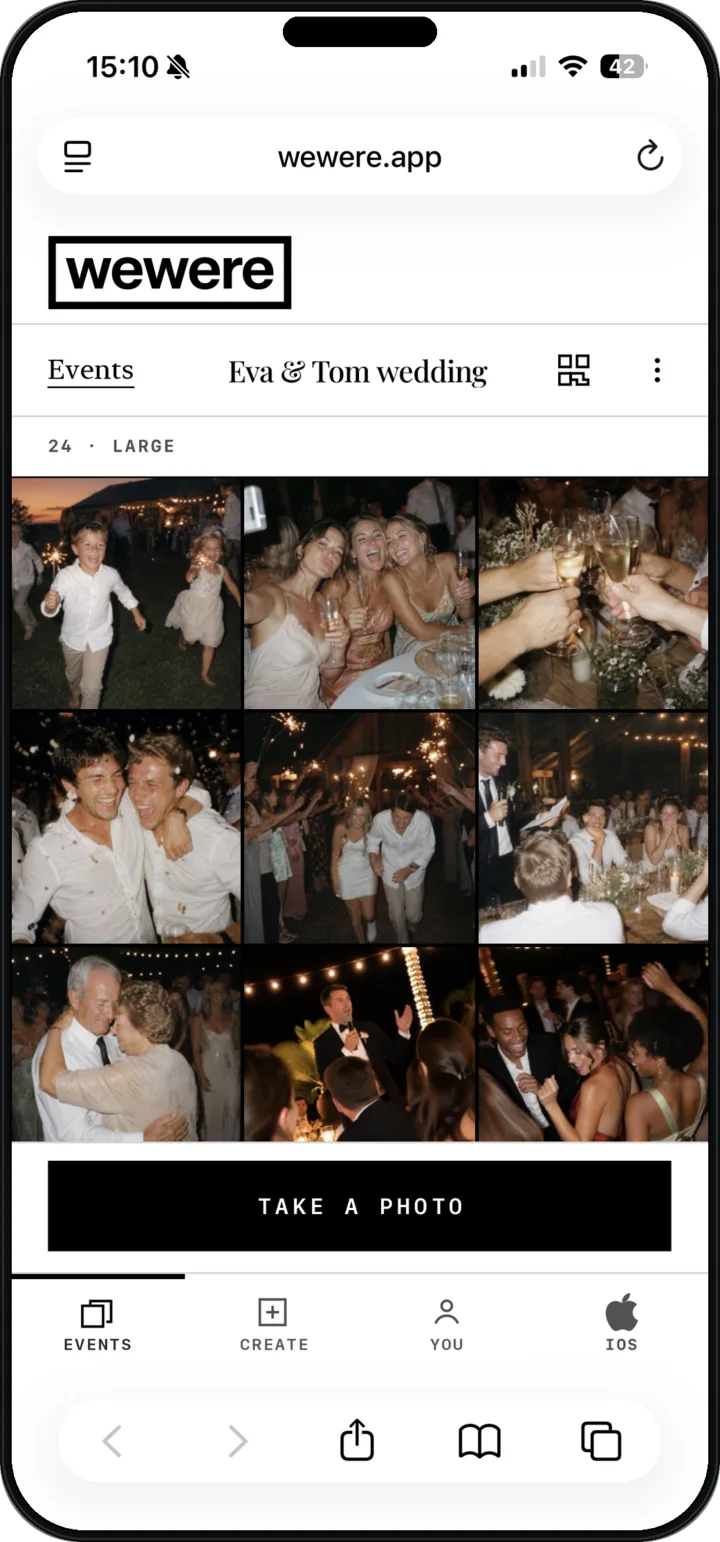
WeWere keeps what people love about disposables — the grain, the surprise, the fact that everyone joins in — and drops the rest. Every guest can shoot, however many you invite: 1,000 photos for the whole room instead of 270, no developing, no waiting. And you see the photos during the reception.
Works for all your guests. Really all of them.
The aunt who never installs anything, the best man on Android, the uncle who can’t remember his passwords: they scan, sign in with the Apple or Google account they already have, and they’re in. The camera opens in the browser.
That’s the difference from apps that require a download: with those, you lose half the room before the first photo.
The live wall during the reception
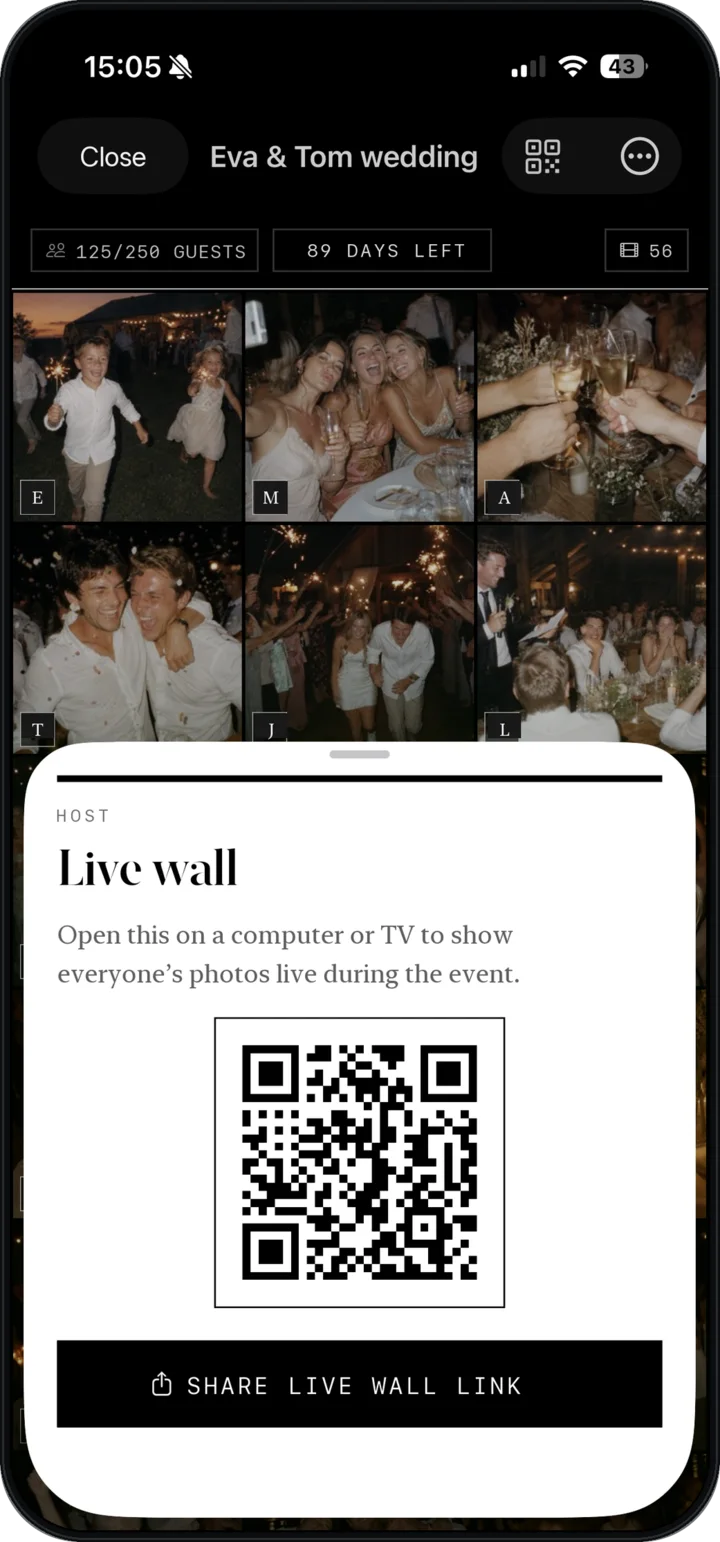
From the app, turn on the live wall and open its link on the laptop plugged into the venue screen. Photos roll in as they’re taken, in front of everyone. That’s when the back table starts shooting — because they just saw themselves on screen. The live wall is included from the 300-photo tier up.
The morning after: the Wrapped
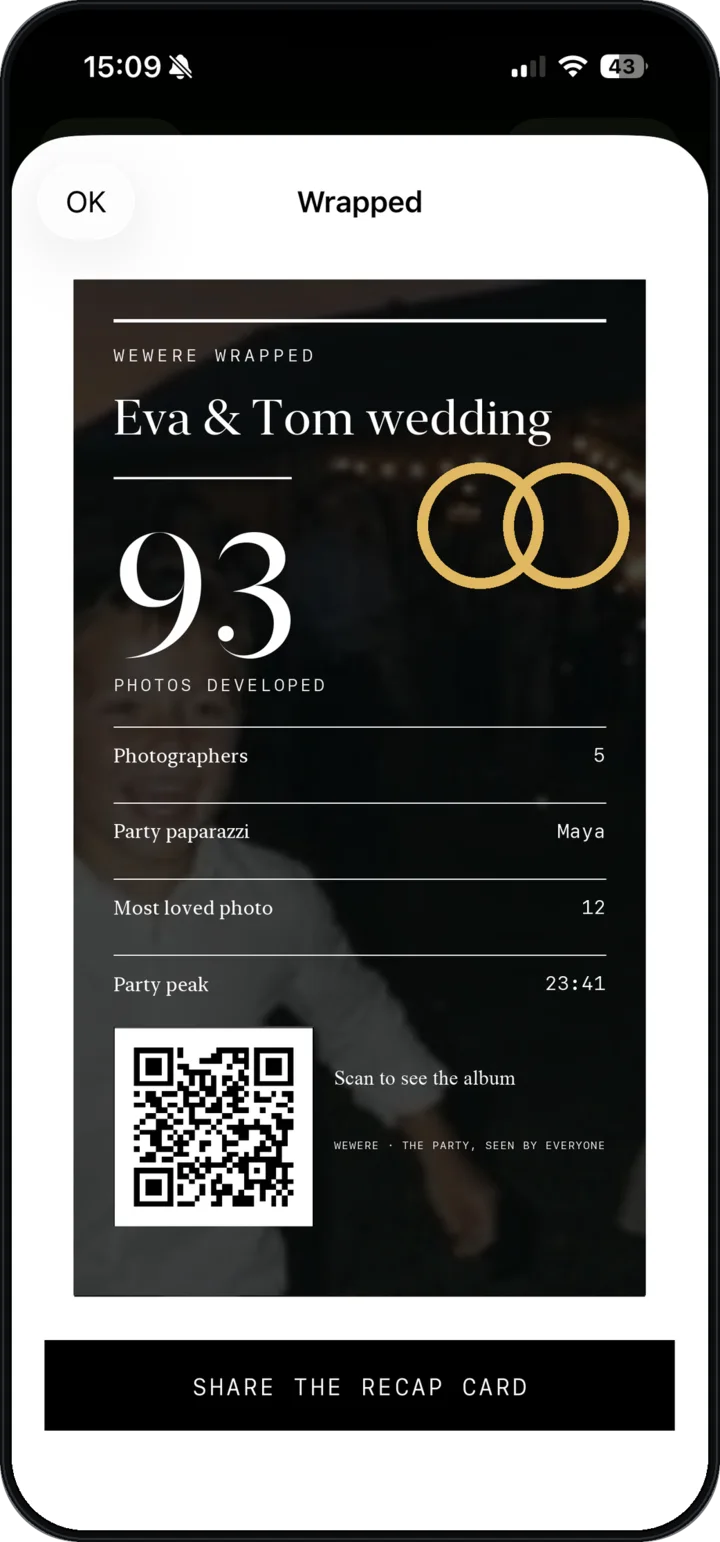
The photo count, the guests who shot the most, the highlights — in a card the couple shares at breakfast. Then the recap film, edited automatically in the app. And 45 days for everyone to download what they want at full resolution.
How to set it up, in practice
- The week before — create the event in the app, pick the album size (for 100 to 150 guests, the 1,000-photo tier) and the film stock (35mm and Black & White work beautifully for a wedding), print one card per table. To keep the album online for a year instead of 45 days, add the Keep one year option when you create the event: $2.99 ($5.99 if you add it later).
- The day of — drop the link in the guests’ group chat in the morning. Set the cards out. Ask the DJ or MC to mention it once.
- During — open the live wall on the venue screen starting at cocktail hour.
- After — share the Wrapped, leave the album open. Photos will keep coming in for two days.
Unlimited guests, one payment
You pay for a total number of photos, not for a guest count: $14.99 for 1,000 photos, the size for a wedding of 100 to 150 guests, $29.99 for 2,500 for a bigger one. As a guide, count 5 to 8 photos per guest. No subscription. If the album fills up, you add photos from the app. See pricing.
Frequently asked questions
Does it replace the photographer?
No, and that’s not the point. The photographer handles the portraits and the key moments. WeWere captures everything else — what they can’t see because they’re somewhere else.
Can guests see every photo?
Yes, by default — that’s what gets them shooting. The host can delete any photo at any time.
What about a 300-person wedding?
Guests are unlimited on every tier, so 300 people is no problem. Take the 2,500-photo tier, $29.99. The app warns you before the album is full, and you can add 100 photos for $2.99 or 500 for $9.99 from the event settings.
Do we need Wi-Fi at the venue?
Guests need a connection, 4G or Wi-Fi, to upload their photos. A photo taken with no signal is saved and sends itself as soon as the connection is back — just keep the page open. If the venue has poor coverage, put the Wi-Fi details on the table card.
What happens after 45 days?
After 45 days, the album goes offline: nobody can view it or add photos anymore. Until then, everyone can save everything for free. To keep it online for a year instead, add the Keep one year option: $2.99 when you create the event, $5.99 if you add it during the 45 days. A one-time purchase for this album, not a subscription.

Create my wedding event.
Download WeWere, create the event, print one card per table. Your guests do the rest.
Download on theApp StoreUnlimited guests. Free up to 40 photos